Cloudflare Error 520: How to Troubleshoot and Fix It

As a website owner, you need to ensure that your site runs properly at all times. However, as visitors try to access its content, they may come across the message that reads “Error 520: Web Server Is Returning an Unknown Error.”
It’s a catch-all response issued by Cloudflare to indicate your website did something unexpected, resulting in an empty response. It may occur due to several factors ‒ from web server configuration to an invalid HTTP response.
This article will discuss several possible reasons behind this Cloudflare error variation. In addition, you will learn seven ways to troubleshoot the issue.

What Causes the Cloudflare Error 520?
The Cloudflare error 520 happens when the web server receives an invalid or incorrectly interpreted request, prompting an empty response. As a result, the accessed website loads the “Web server is returning an unknown error” message.
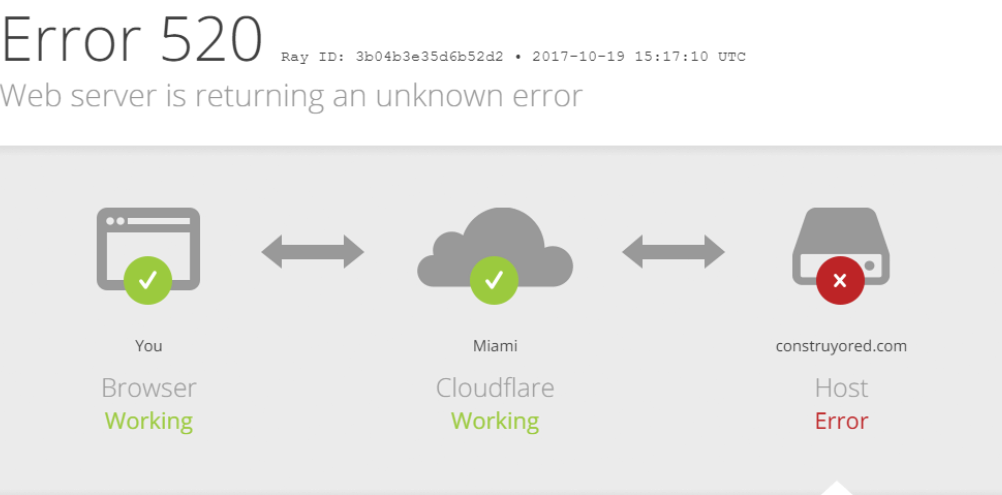
The following are several common reasons why this error occurred:
- Crash at the origin web server. It may occur either because the origin server is running a resource-intensive script or didn’t interpret requests properly. Consequently, the server is unable to complete these requests.
- The origin server doesn’t allow connections with any Cloudflare IP addresses. Your firewall settings may be blocking non-whitelisted IP addresses. Check whether Cloudflare’s IP address is not one of them.
- Short idle timeouts. The TCP (Transmission Control Protocol) establishes a connection between client and server, allowing them to exchange data. By default, the web server idle timeout value is 300 seconds. Therefore, a TCP timeout value of less than 300 seconds can cause the 520 error.
- Cloudflare-incompatible response headers. HTTP headers allow a web server and a client to communicate. They contain details such as the client browser, the page requested, and cookies. Too many cookies, for example, will result in larger header size. If it exceeds Cloudflare’s request header size limit of 16 KB, it will lead to invalid or missing response headers.
- Check the Preserve log box.
Refresh the page and reopen the network tab.
- Right click anywhere on the developer tools window.
- Select Save all as HAR with Content.
- To examine the file, use an online tool such as Google’s HAR Analyzer.
Important! HAR files contain sensitive information. Use a text editor to remove details such as your passwords, cookies, and other personal data before sharing the file with others.
If you find that the excessive use of cookies or cookies that are too large are causing the error 520, consider using a cookie-free domain.
3. Disable .htaccess
The .htaccess (hypertext access) file is a configuration resource for Apache-hosted sites. Disabling .htaccess can help confirm if the file was corrupted or caused bad redirects.
Suggested Reading
Open the Apache configuration file and change the AllowOverride directive to None.
Doing so will disable all .htaccess files. If you need to modify your Apache configuration, remember to save the file and restart Apache.
4. Investigate Error Logs
Error messages typically offer little information about how to resolve them. Therefore, error logs exist to help identify their source and quickly troubleshoot them. Finding the error log varies depending on where your site is hosted.
If you use Hostinger, enable PHP error logging via hPanel:
- Navigate to the Advanced tab and select PHP Configuration.
- In the PHP options tab, tick the logErrors checkbox.
- Scroll down to the end of the page and click Save.
Your error_log file will be located in the home/[username]/.logs directory, accessible via the File Manager.
The error_log file presents information such as the date and type of error that occurred. It also details which files and lines require fixes.
If your website is hosted somewhere else, check our comprehensive tutorial on how to check error logs.
5. Use a cURL Command
A client URL or cURL command is used for sending HTTP/HTTPS requests but can also help troubleshoot HTTP error responses.
Suggested Reading
For example, use the following cURL command to obtain information about HTTP response and request headers.
Windows 7 and 8 users need to download the cURL executable wizard to use it. If you use Windows 10, it lets you execute cURL directly from the command prompt.
6. Disable Cloudflare
Disable Cloudflare by accessing your Cloudflare dashboard and clicking on the DNS tab. Choose a domain, then toggle the Proxy status button.
Alternatively, temporarily pause Cloudflare. Pausing your account blocks traffic from going through Cloudflare’s network, revealing the IP address of your origin server.
- Log into your Cloudflare account and go to the dashboard’s Overview tab.
- Scroll down until you see Advanced Actions.
- Click Pause Cloudflare on Site and confirm the request.
Keep in mind that pausing Cloudflare disables its security and protection features. Thus, Cloudflare recommends going into the Development Mode to bypass caching. It allows you to see changes to your origin server in real-time.
Go to the Caching tab in your Cloudflare dashboard. Choose Configuration and scroll down the page until you reach the toggle icon to turn on the Development Mode.
7. Contact Cloudflare Support
If you need further assistance, reach out to the Cloudflare support team by filing a support ticket. Typically, you will need to send the URL information, the Cloudflare Ray ID, and HAR files of when Cloudflare was enabled and temporarily disabled.
Troubleshooting Other Cloudflare Errors
In many cases, HTTP error code variations commonly signal a server issue, which can be either a proxy server or the origin host. Website owners are likely to encounter 5xx server errors at some point. Thus, it is important to be aware of such errors and learn how to fix them right away.
Here are some immediate fix ideas for common 5xx error responses:
- Verify that Cloudflare IPs are not blocked in .htaccess, iptables, or your firewall.
- Ask your host provider whether they restrict or block Cloudflare IPs requests. If they do, request for the IP addresses to be whitelisted.
- Check if your origin web server is up and running normally. If it is not, review the error logs to pinpoint the issue. Contact your hosting provider if you are unsure how to complete these steps.
- Ask your hosting provider or site administrator to confirm whether the infrastructure is experiencing any load issues.
Troubleshooting Other Errors
Conclusion
The error 520: web server is returning an unknown error may not only affect user experience but also prevent you from logging in to your site’s dashboard.
Therefore, you need to find out ways to fix it right away. In this article, we listed seven methods to fix an error 520:
- Ensure Cloudflare DNS records are correct.
- Check headers and cookies.
- Disable .htaccess.
- Investigate error logs.
- Use a cURL command.
- Disable Cloudflare.
- Contact Cloudflare support.
We hope this guide helps you resolve the Cloudflare 520 error response. If you have further questions, feel free to leave them in the comment section below.
Error 520 FAQs
Here are some frequently asked questions for error 520.
How Do I Prevent Error 520?
Error 520 is a server-side error caused by a connection issue between the web server and the origin server. Try refreshing the page, clearing your browser cache and cookies, contacting your hosting provider or website administrator, and checking your server’s logs for any issues to prevent this error.
What Are Other Common Errors for Cloudflare Users?
Some common errors for Cloudflare users include error 502, caused by a bad gateway, and error 522, which is due to a connection timeout. Other common issues are error 524, a connection timeout between Cloudflare and the origin server issue, and error 504, which is caused by a gateway timeout.
Is Error 520 a Permanent Error?
No, error 520 is not a permanent error. It is a temporary server-side error caused by a connection issue between the web server and the origin server. Refreshing the page, clearing your browser cache and cookies, or contacting your hosting provider or website administrator can often resolve the issue.
Rizma uses writing as a way to share what she has discovered with others. As an expert in web hosting, she enjoys using her knowledge to help others. In her free time, she loves watching her favorite films or curating playlists for her loved ones.
На сайте ошибки 520, 521, 522, 524
520, 521, 522, 524 — это нестандартные типы ошибок, которые можно встретить при использовании сервиса CloudFlare. CloudFlare — сервис, с помощью которого можно перенаправить трафик на сайт, ускорить загрузку его страниц и настроить дополнительную защиту от DDoS-атак. Cloudflare работает как обратный прокси-сервер для сайта.
Unknown Error — ошибка 520
Если CloudFlare не может обработать ответ от веб-сервера, на котором расположен сайт, вы увидите ошибку 520:
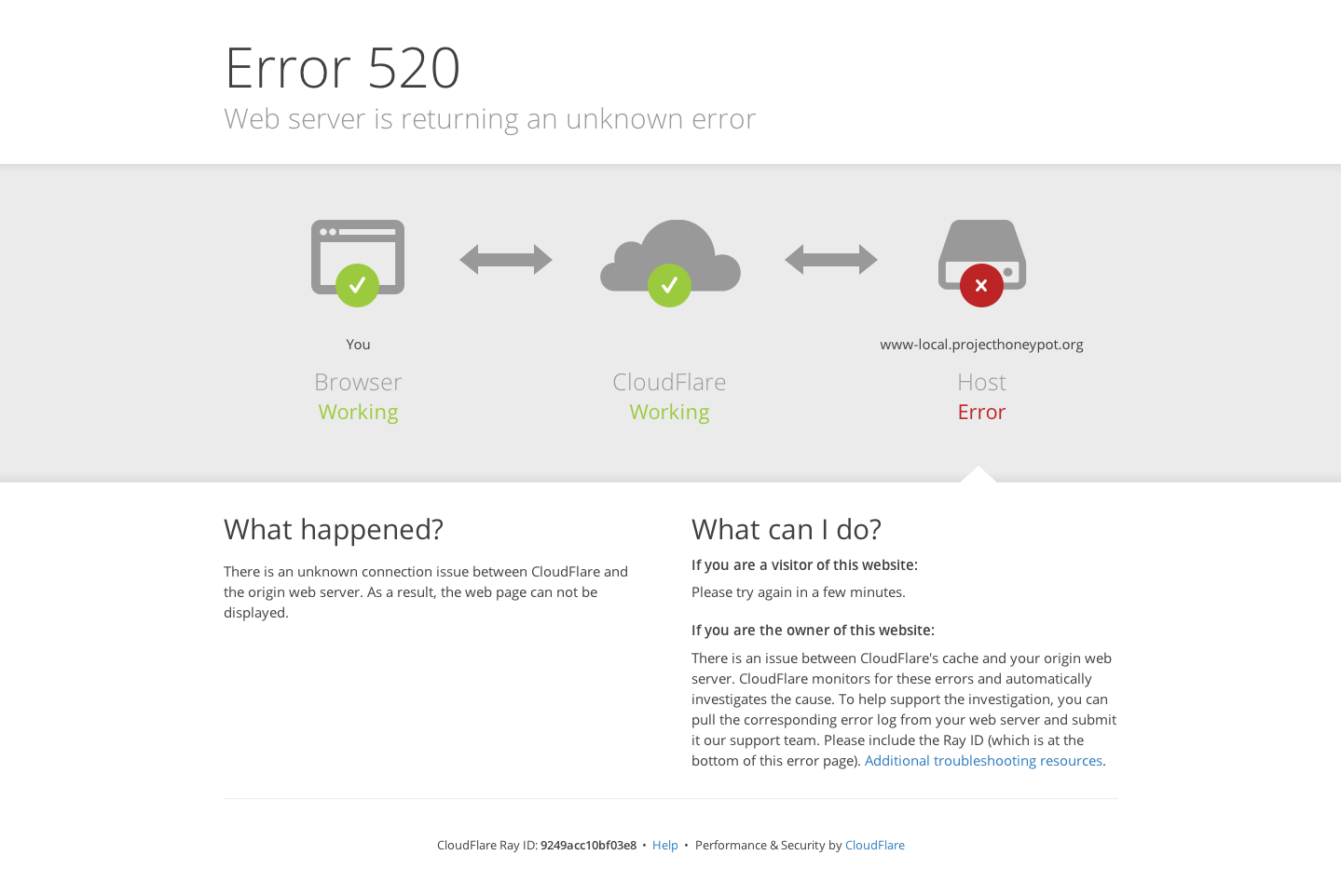
Возможные причины ошибки:
- сервер дает некорректный ответ;
- приходит пустой ответ от сервера;
- сервер разорвал соединение после успешного запроса;
- заголовок запроса превышает ограничение размера (более 8 КБ).
Исправить ошибку 520 можно с помощью инструкций в справке CloudFlare.
Web Server Is Down — ошибка 521
Если между веб-сервером и CloudFlare оборвалось соединение, вы увидите ошибку 521:
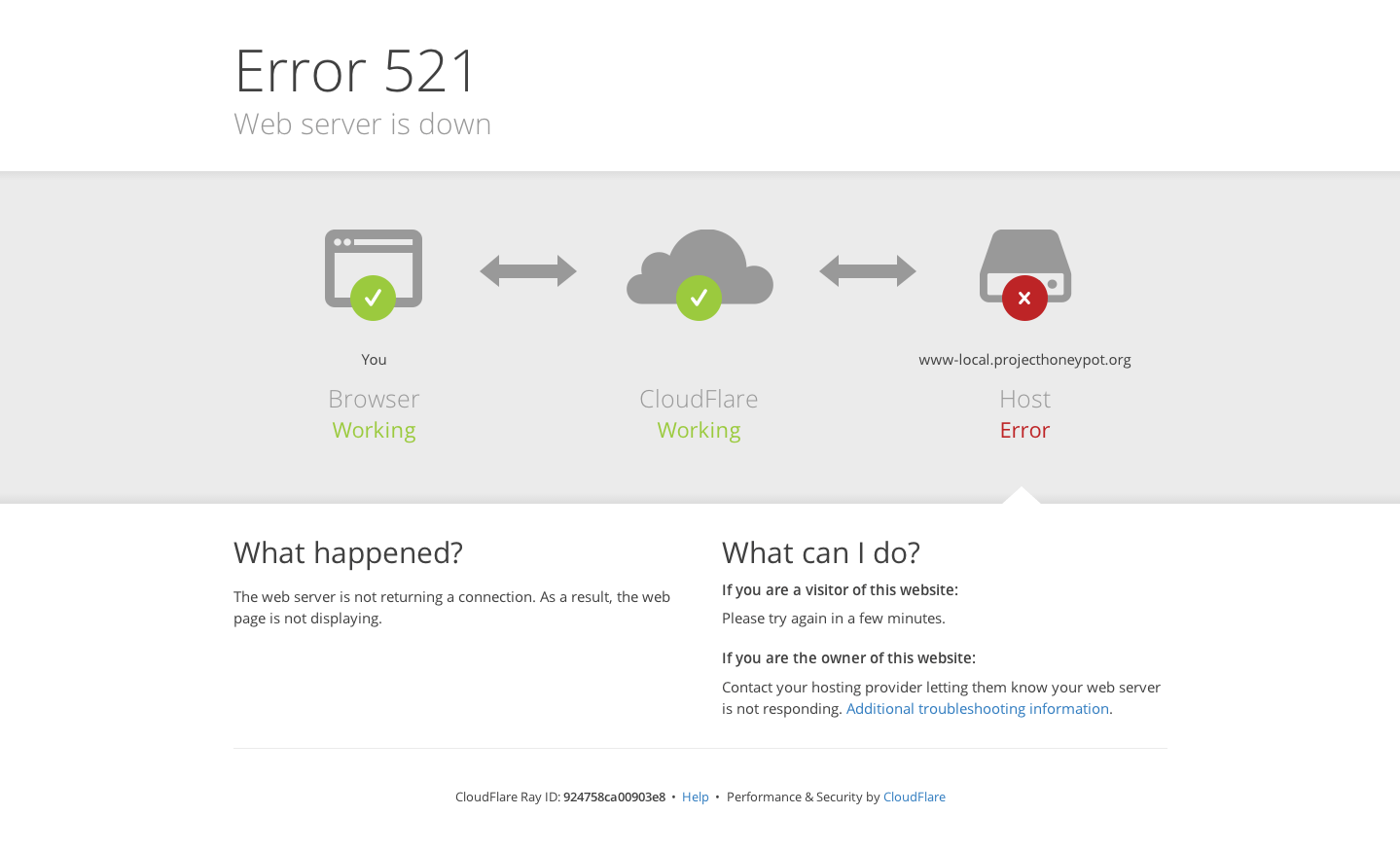
Основные причины ошибки:
- сервер недоступен или не отвечает — проверьте работоспособность сервера;
- веб-сервер блокирует все запросы. Поскольку CloudFlare работает по принципу обратного прокси-сервера, все запросы приходят от IP-адресов системы. Система безопасности принимает регулярные подключения с одинаковых адресов IP за DDoS-атаку. Из-за этого накладываются ограничения по скорости.
На официальном сайте можно увидеть диапазон IP-адресов CloudFlare. Ошибку 521 можно исправить с помощью инструкций в справке CloudFlare.
Connection timed out — ошибка 522
Если время ожидания ответа от веб-сервера превышено, вы увидите ошибку 522:
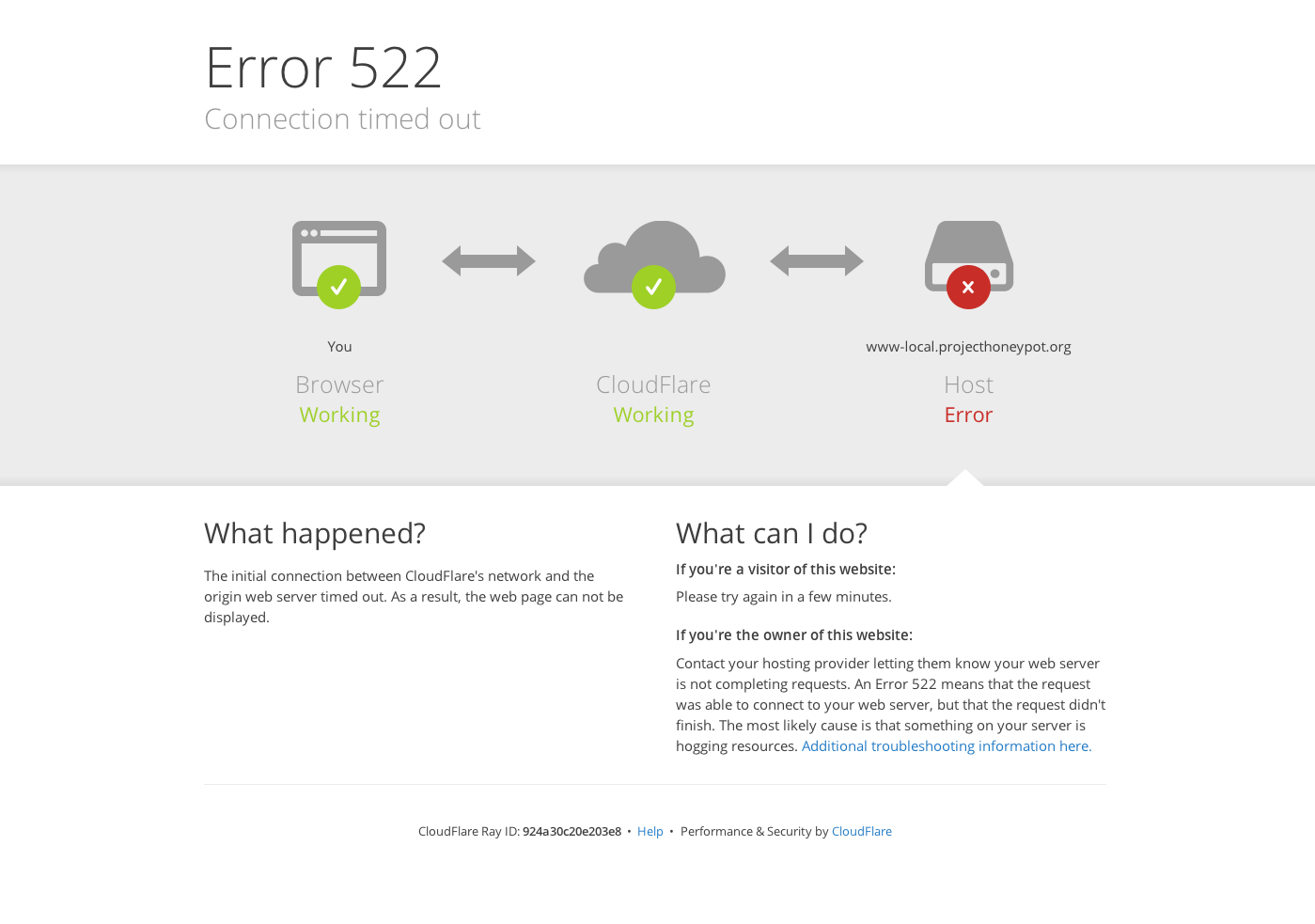
Ошибка может возникнуть, если:
- веб-сервер недоступен;
- веб-сервер перегружен и не отвечает;
- запросы от CloudFlare блокирует система защиты веб-сервера;
- некорректные настройки маршрутизации между веб-сервером и CloudFlare;
- в настройках DNS на CloudFlare установлен некорректный IP-адрес.
Перед решением проблемы убедитесь, что ваш веб-сервер принимает HTTP-запросы. Также проверьте, что DNS в Личном кабинете на CloudFlare настроены корректно. Ошибку 522 можно исправить с помощью инструкций в справке CloudFlare.
A timeout occurred — Ошибка 524
В случае когда подключение с веб-сервером установлено, но он не успел ответить за установленное время ожидания, может возникнуть ошибка 524. Время ожидания HTTP-ответа на CloudFlare — 100 секунд.
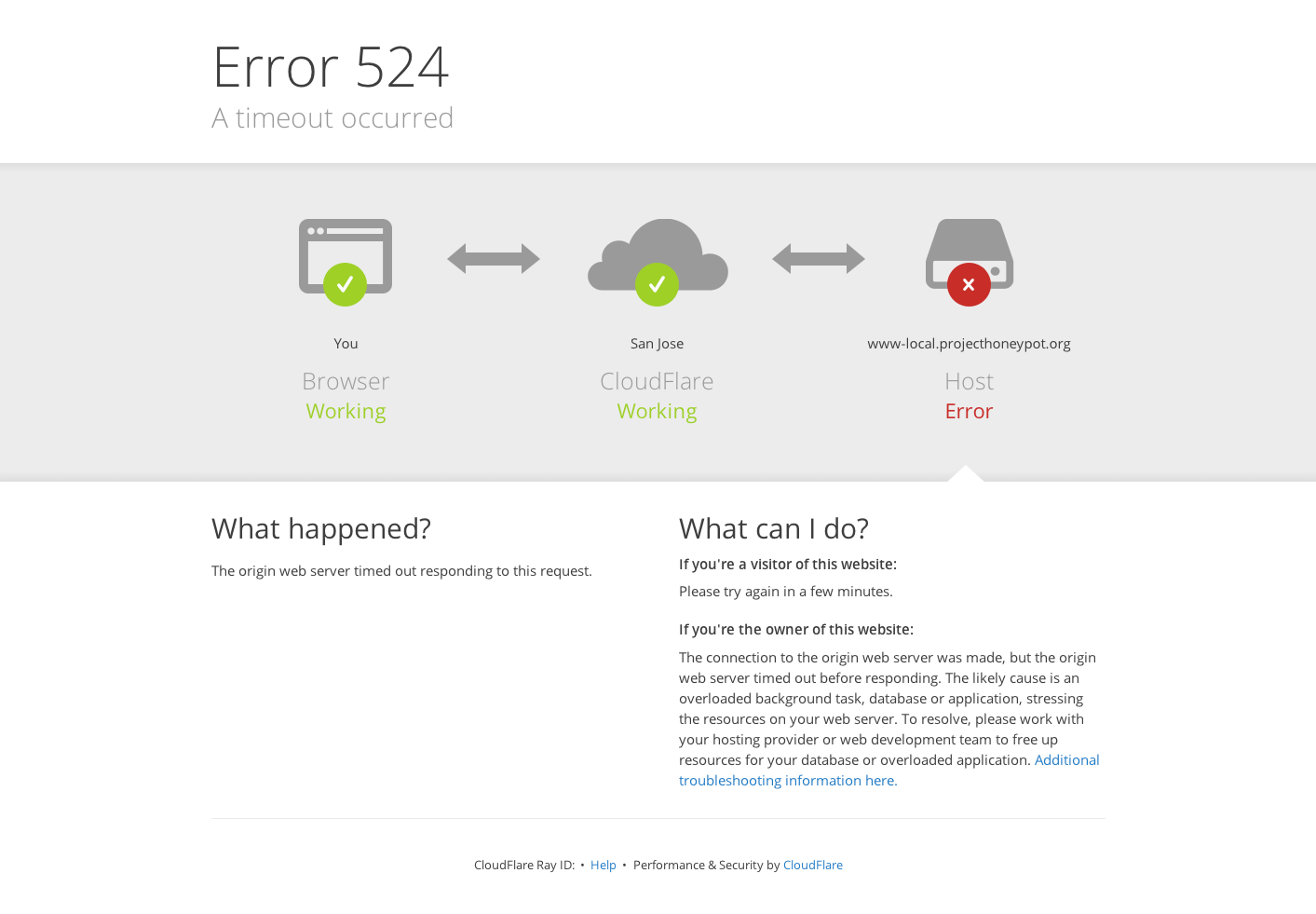
Основные причины ошибки:
- перегружен веб-сервер (проверьте процессор, оперативную память и другие ресурсы сервера);
- задержка запроса к базам данных или PHP-процесса.
Ошибку 522 можно исправить с помощью инструкций в справке CloudFlare.
Обратите внимание!
Специалисты 2domains не оказывают техническую поддержку по сервису CloudFlare. По вопросам возникновения ошибок обращайтесь в техническую поддержку CloudFlare. Если некорректная работа сайта связана с хостингом 2domains, оставьте заявку в клиентскую службу.
Код ошибки HTTP 520 Unknown Error Cloudflare (Неизвестная ошибка) Cloudflare
Ошибка 520: веб-сервер возвращает неизвестную ошибку
Ошибка 520 возникает, когда исходный сервер возвращает пустой, неизвестный или неожиданный ответ Cloudflare.
Как устранить ошибку 520 Unknown Error?
- Сбой приложения веб-сервера Origin
- IP-адреса Cloudflare не разрешены в вашем источнике
- Заголовки размером более 32 КБ (обычно из-за слишком большого количества файлов cookie)
- Пустой ответ от исходного веб-сервера без кода состояния HTTP или тела ответа.
- Отсутствуют заголовки ответа или исходный веб-сервер не возвращает правильные ответы об ошибках HTTP
Если после обращения к вашему хостинг-провайдеру или администратору сайта 520 ошибок продолжаются, предоставьте в службу поддержки Cloudflare следующую информацию:
Ошибки 520, 521, 522, 524
Ошибки 520, 521, 522, 524 могут появляться на сайте в том случае, если вы используете для своего сайта сервисы Cloudflare. Cloudflare — сервис, перенаправляющий трафик. Он позволяет увеличить скорость загрузки сайта и обеспечивает защиту от хакерских и DDoS-атак.
Ошибка 520 (Web server is returning an unknown error)
Если Cloudflare не удается обработать ответ сервера, на котором размещен сайт, то он выдает эту ошибку.
Причины появления ошибки 520
- Разрыв соединения, когда запрос к серверу был успешным.
- Превышение размера заголовка запроса (больше 8 КБ).
- Ответ сервера не содержит информацию.
- Ответ сервера некорректен.
Способы устранения ошибки 520 Web server is returning an unknown error
Если любое из вышеперечисленных условий исходит от веб-сервера, на котором размещен сайт, нужно обратиться в техподдержку хостинг-провайдера.
Правила ограничения скорости Cloudflare или другие запросы фильтрации иногда могут вызывать проблемы в работе сайта. Важно проверить и протестировать ваш сайт после подключения сервисов Cloudflare. Если на сервере хостинга используются системы безопасности, блокирующие запросы к сайту, обязательно укажите IP-адреса Cloudflare в белом списке, чтобы исключить вероятность блокировки запросов.
Ошибка 521 (Web Server Is Down)
Браузер показывает ошибку 521, когда веб-сервер неожиданно обрывает соединение с Cloudflare.
Причины появления ошибки 521
- Невозможно получить ответ от сервера.
- Система безопасности веб-сервера внесла запросы Cloudflare в черный список. Это связано с тем, что система работает по принципу обратного прокси-сервера. Ваша система безопасности могла принять периодические подключения от статических IP-адресов за DDoS-атаку. Из-за этого адреса блокируются или ограничиваются по скорости.
Способы устранения ошибки 521 Web Server Is Down
Возможно, веб-сервер отключен или работает с перебоями. В таком случае:
- Убедитесь, что ваш веб-сервер работает нормально.
- Просмотрите журналы ошибок сервера, чтобы выявить причину ошибки.
Если веб-сервер или хостинг-провайдер блокируют запросы Cloudflare, внесите в белый список все диапазоны IP-адресов сервиса в брандмауэре сервера или другом программном обеспечении безопасности.
Ошибка 522 (Connection timed out)
Появляется в случае, когда превышено время ожидания ответа от веб-сервера.
Причины появления ошибки 522
- Веб-сервер не может ответить на запрос из-за высокой загруженности.
- Система защиты веб-сервера блокирует запросы Cloudflare.
- Нет доступа к веб-серверу.
- IP-адреса Cloudflare не блокируются в брандмауэре.
- Ваш хостинг-провайдер не ограничивает скорость и не блокирует запросы от Cloudflare.
- Веб-сервер не перегружен.
Неисправную маршрутизацию в сети между Cloudflare и исходным веб-сервером устранить сложнее. Прежде чем перейти к этому пункту, исключите предыдущие. Если вы считаете, что причиной могут быть проблемы с сетью, отправьте заявку в службу поддержки Cloudflare.
Ошибка 524 (A timeout occurred)
Браузер покажет эту страницу, когда подключение к веб-серверу будет установлено, но его ответ превысит лимит ожидания. Cloudflare ожидает HTTP-ответ в течение 100 секунд.
Причины появления ошибки 524
- Проблемы в работе PHP-скриптов или сбой базы данных.
- Высокая загруженность веб-сервера.
Способы устранения ошибки 524 A timeout occurred
Проверьте доступные ресурсы веб-сервера, включая процессор, оперативную память и общий уровень трафика. Высокий уровень использования памяти память или высокая загрузка процессора могут сигнализировать о проблеме с ресурсами.
Если вы регулярно отправляете HTTP-запросы, выполнение которых занимает более 100 секунд (например, экспорт больших данных), рассмотрите возможность перемещения этих длительных процессов в поддомен , который не проксируется Cloudflare.