How to Add ID to Element Using JavaScript
This post will describe the procedure for adding an Id to an element in JavaScript.
How to Add ID to Element Using JavaScript?
To add the id to an element, the “setAttribute()” method is used. It requires two parameters, the “name” of the attribute is the first parameter, such as “id” and its value is a second parameter, such as “abc”.
Syntax
The given syntax id used for the setAttribute() method:
There are two ways for adding an Id to an element in JavaScript:
The given examples will demonstrate both ways one by one!
Example 1: Add ID by Creating New Element in JavaScript Using setAttribute() Method
In this example, we will create an HTML heading by JavaScript and set its id and the innerText for the DOM element.
In the JavaScript file, create an HTML element “h3” using the “createElement()” method:
Set the unique id to the heading using the “setAttribute()” method:
Here, the method takes two arguments:
- The “id” is the first argument that is the attribute name.
- The “heading” is the value of the id as a second attribute.
Get the reference of the HTML body tag using the “querySelector()” method:
Add the heading “h3” to the body, using the “appendChild()” method by passing the element as an argument:
Now, set the text for the element that will show on the DOM using the “getElementsByTagName()” with the “innerHTML” property:
Output
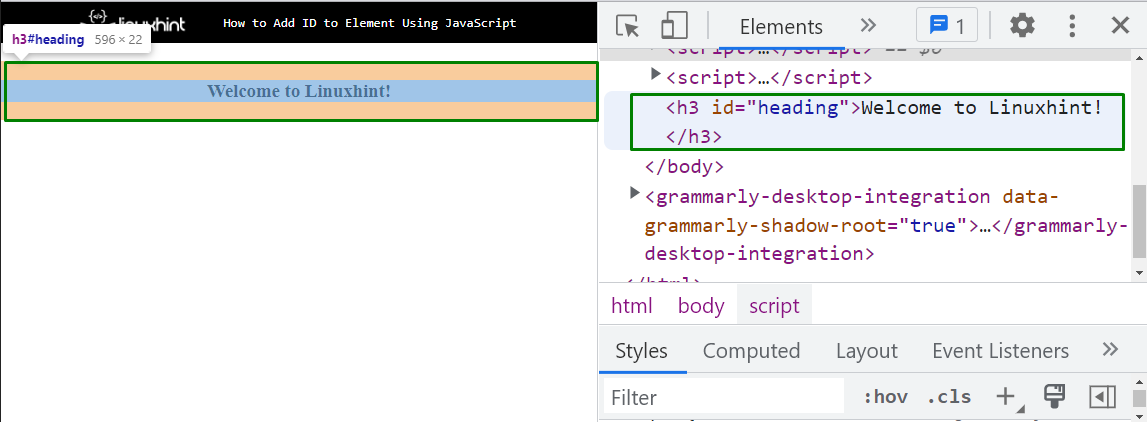
The output signifies that the heading is successfully created with its id that is set by using the “setAttribute()” method.
Example 2: Add ID to Existing Element Using setAttribute() Method
Let’s try to add a new id to the existing HTML element in JavaScript.
In an HTML file, create a heading with <h3> tag and assign an id to it using the “id” attribute:
The corresponding HTML output will be:
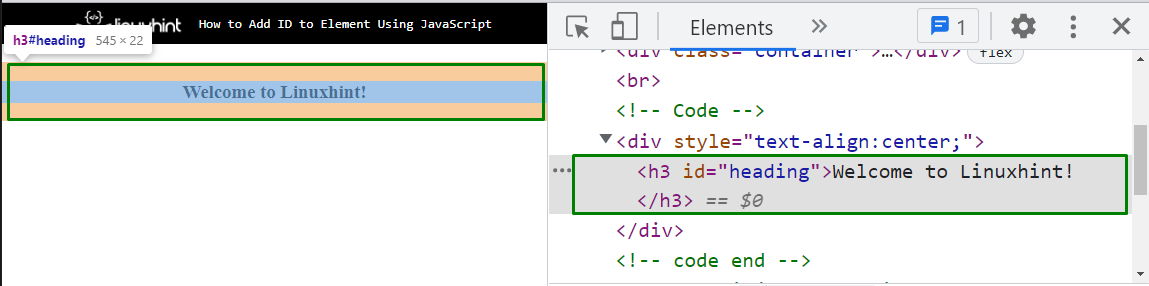
Now, in the JavaScript file, first, get the reference of the element using its assigned id with the help of the “getElementById()” method and store it in a variable “setId”:
Set the new id “heading1” to the element using the “setAttribute()” method:
Output
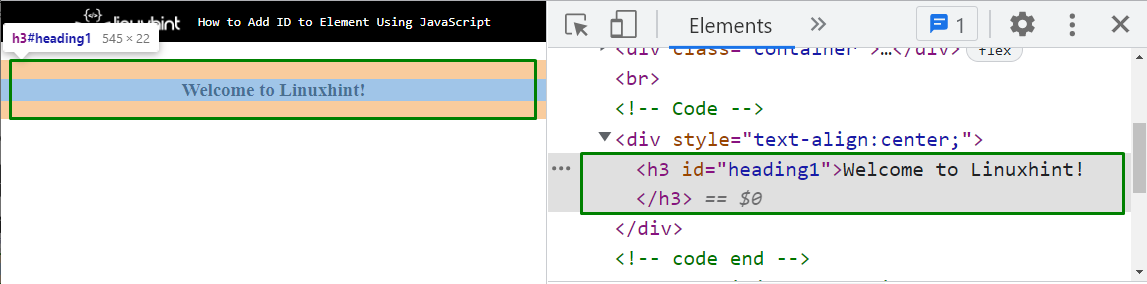
The above output indicates that the id of the HTML element heading is now “heading1” which is set by the JavaScript “setAttribute()” method.
Conclusion
For adding an id to an element, use the JavaScript “setAttribute()” method. There are two ways for adding an id to an element in JavaScript, add an id by creating a new element or add an id to the existing HTML element in JavaScript. This post described the procedure for adding an ID to an element in JavaScript.
About the author

Farah Batool
I completed my master’s degree in computer science. I am an academic researcher and love to learn and write about new technologies. I am passionate about writing and sharing my experience with the world.
Add ID to Element Using JavaScript

The id attribute plays a vital role in JavaScript, which relates to a certain element suitable with the getElementById() function. The id must be unique in the HTML page because they help get the HTML element’s values and content later.
With the importance of the id attribute, this tutorial teaches how to add the id attribute to a pre-existing or new HTML element using JavaScript.
How to Assign Id to an HTML Element Dynamically in JavaScript?
Ids are unique identifiers of HTML elements. Each Id refers to a particular HTML element and it should always be unique within a page.
There are two ways to assign an Id to an HTML element. First, directly add the id to the HTML element using the id attribute eg. <div ></div> .
The second way is to add it dynamically using JavaScript.
To assign an Id to an HTML element in JavaScript, you can use the setAttribute() method of the DOM. The setAttribute() method takes two parameters. First, the name of the attribute which in our case is id , and second is the value of the attribute.
Let’s say we have a div element in our HTML file:
We want to add an Id myId to this div element dynamically.
To do that the first thing we need to do is get the element using any DOM selector method such as getElementsByTagName() , querySelector() , etc.
After that, we can use the setAttribute() method to set the value of the Id attribute.
See the following code:
The above code successfully adds an Id myId to the div element.
Assign Id to Dynamically Created Elements
You can also use the setAttribute() method to assign Id to dynamically created elements.
Let’s say we have a div element in our HTML file with an Id myDiv . We want to dynamically create a paragraph under this div and assign an id myPara to it with JavaScript.
- Get the parent div element with any DOM selector method such as getElementById() .
- Create the <p> element using the createElement() method.
- Add some text to the <p> element using the innerText property and assign an id to it using the setAttribute() method.
- Append the paragraph to the parent div element using the appendChild() method.
See the following code:
After running the above code, the <p> elemement will be added under the <div> with an id myPara . See the following image:
Element: id property
The id property of the Element interface represents the element’s identifier, reflecting the id global attribute.
If the id value is not the empty string, it must be unique in a document.
The id is often used with getElementById() to retrieve a particular element. Another common case is to use an element’s ID as a selector when styling the document with CSS.
Note: Identifiers are case-sensitive, but you should avoid creating IDs that differ only in the capitalization.