Блог did5.ru
Кнопка Insert на клавиатуре ноутбука HP ProBook 430 G6
Каждый раз при обновлении ноутбука я ожидаю новое всё – проц, память, SSD побольше и побыстрее, матрицу получше и поярче, автономность подольше и т.д. Но я никак не хочу новую клавиатуру!
Только привыкнешь за год-два к очередной неудобной клавиатуре от HP, а тут бац и еще такая же неудобная. И вот очередной сюрприз от инженерного гения HP – новый лаптоп HP ProBook 430 G6, который пришел у меня на замену HP ProBook 430 G3.
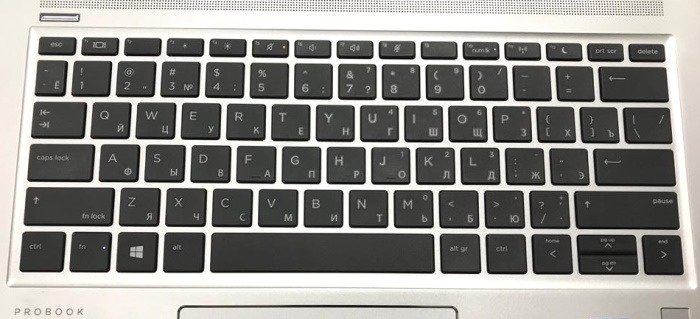
На новой клавиатуре нет специальных клавиш – Insert, Break, Scroll Lock и кнопки вызова контекстного меню.
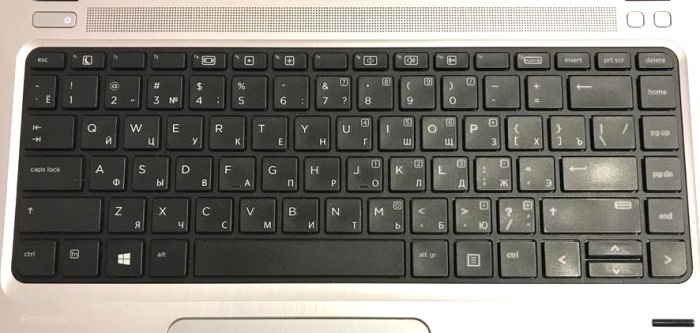
Для сравнения фотка клавиатуры предыдущего лаптопа. Все клавишу есть, но вот их расположение удручает.
Гугл помог найти спецификацию на данную модель лаптопа HP ProBook 430 G6 на сайте HP. Документация гласит, что для Keyboard Revision — KBC Version 51.24.00 кнопка Insert скрывается за комбинацией клавиш Fn + E.
А вот и нет. Не работает!
Пришлось применить принцип брутфорса и перебрать все возможные комбинации.
Нажатие на дополнительные кнопки сложно выявить в обычном текстовом редакторе, для этого лучше подойдет веб-сервис, который прямо в браузере на виртуальной клавиатуре покажет нажимаемые клавиши и их комбинации.
Таким нехитрым образом удалось выявить множество не задокументированных комбинации клавиш на клавиатуре.
Fn + m — Insert
Fn + . – Delete
Fn + s – Print Screen
Fn + c – Scroll Lock
Fn + Rigth Shift = Pause Break
Еще часть комбинаций с Fn дублирует кнопки цифровой части клавиатуры, поэтому их не упоминаю.
К сожалению, найти комбинацию для кнопки вызова контекстного меню не удалось. И комбинация Shift + F10 у меня не работает. Хотя, в интернете пишут, что должна работа везде.
Если знаете про кнопку вызова контекстного меню, то обязательно напишите в комментариях.
Нашли опечатку в тексте? Пожалуйста, выделите ее и нажмите Ctrl+Enter! Спасибо!
Блог инженера
Мой рабочий ноутбук из серии HP Elitebook. Хорошая рабочая машинка, аллюминиевый unibody корпус, ограниченная пригодность для апгрейда, приличные характеристики. Но не без минусов. Для меня главный минус — отсутствие клавиши Insert. Это абсолютная дичь, есть клавиши для управления звонками и для принудительного вывода картинки на проектор, а для Insert клавиши не нашлось. У меня же в Office на эту клавишу привязана вставка из буфера обмена в формате “только текст”. В программах для интеллект-карт без этой клавиши вообще невозможно работать, т.к. эта кнопка вставляет новую ветку в интеллект-карту. Я уже совсем загрустил, пытался переопределить эти новые клавиши, но безуспешно. В лучшем случае, работали обе фунукции клавиши. Т.е. и исходная функция и переопределённая. Проблема решилась просто. Оказывается, эти клавиши работают, просто функция спрятана и нет никаких обозначений. Наверное, если хорошо порыться в инструкции — нашёл бы.
Так что сочетание CRTL + ALT + INSERT на ноутбуках HP будет CTRL + ALT + FN + E
Лучшего решения я пока не нашёл.
About Mikhail Kiselev
Приветствую в моём блоге! �� Меня зовут Михаил. Я инженер и программист. Живу в Израиле. Но мой блог связан с работой в Сибири и на Сахалине, путешествую где придётся. Я предпочитаю пост в блог посту в твиттер. Описание полезной технологии или гаджета предпочитаю описанию заката или посиделок в кафе.
Ребят. Где находится клавиша INSERT на ноутбуке hp? уже везде посмотрел, и на F12 И Т. д

в самом низу цифру 0 и пониже нубля написоно ins это она.
Либо на prt sc либо на мини клаве 0. Что бы активировать зажми fn (слева внизу, справа от ctrl) и 0 на 2-ой клаве или prt sc+fn
у меня она называется ins на кнопке 0
Она может быть сокращённо подписана.
Вставь диск в ноут, нажми в «Мой компьютер» на привод и нажимай кнопки, пока диск не вылезет.
No Insert Key on HP Laptop – Guide In 2023
The Insert key, often known as INS, is a key on most computer keyboards that are located near or adjacent to the backspace key. As you type, the Insert key toggles between inserting or putting text in front of other content and overwriting text after the cursor.
But didn’t you find this key on HP’s best laptop for writers? Or do you think there’s no insert key on HP laptop? So, this article will clear up all of your confusion.
Finding a keyboard with virtually all of the functions you desire may not be simple. However, it’s possible that you’ll find yourself in a situation where your new keyboard is missing a key. The lack of an insert key hp laptop keyboard is one example of this. One of the most typical reasons for not being able to locate such a keyboard is that an HP laptop lacks an insert key.
So here I’ll tell you the complete method for where is ins key on laptop or an alternative and shortcuts to insert the key. Keep on reading:
Table of Contents
No Insert Key on Hp Laptop
So your question is “where is the insert key on HP laptop keyboard?”. Well, it should be noted that no keyboard comes with any missing keys. Keyboard makers introduce one or more methods of employing a specific keystroke via key combinations or even keyboard shortcuts.
insert key shortcut windows 10:
Most keyboards without the Insert key should allow you to use the Insert key by pressing the 0 (zero) key on your Numpad. The 0 key is usually found near the bottom of the number pad.
Note: It should be noted that the key will only function as an Insert key when the Number Lock is turned off. Ideally, the key should be labeled both 0 and Ins.
The Shift key can be used to toggle the insert key on the laptop temporarily. Using Shift+0 (on Num pad) even when the Num Lock is turned on can be a viable choice to use the INSERT key in the same way you would press the Shift Key together with a letter for single letter capitalization.
Below Are Some Other Laptop Keys Related Problems Solved:
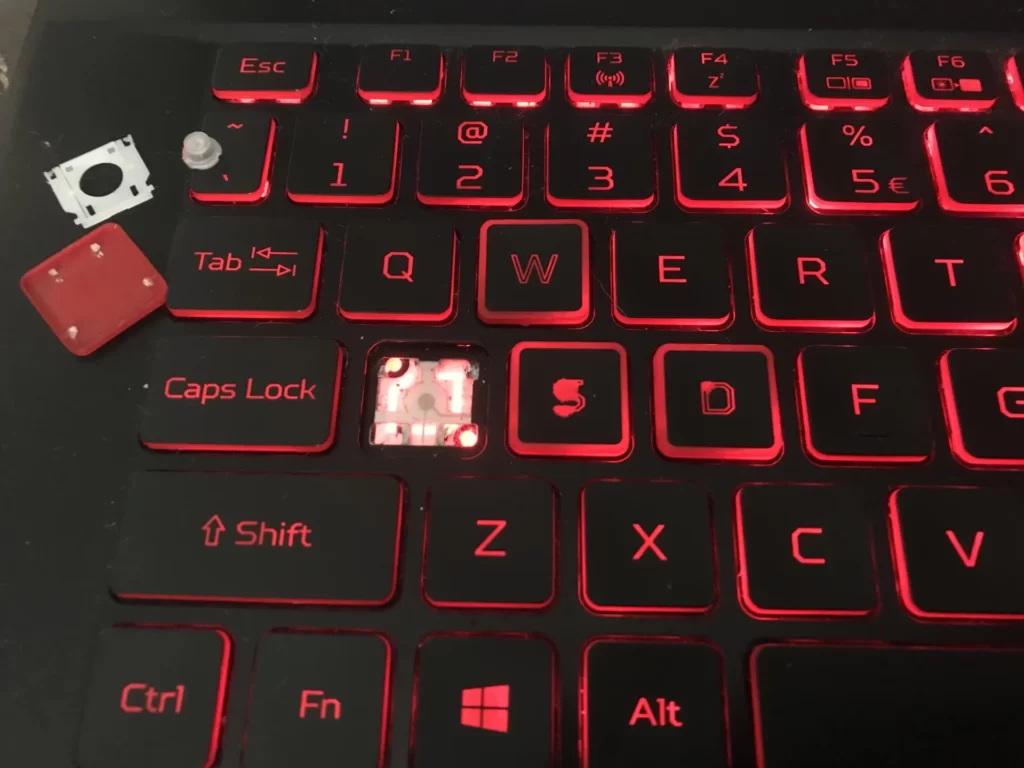
How To Fix A Key That Fell Off A Laptop Keyboard – Quick And Step-By-Step Guide In 2023
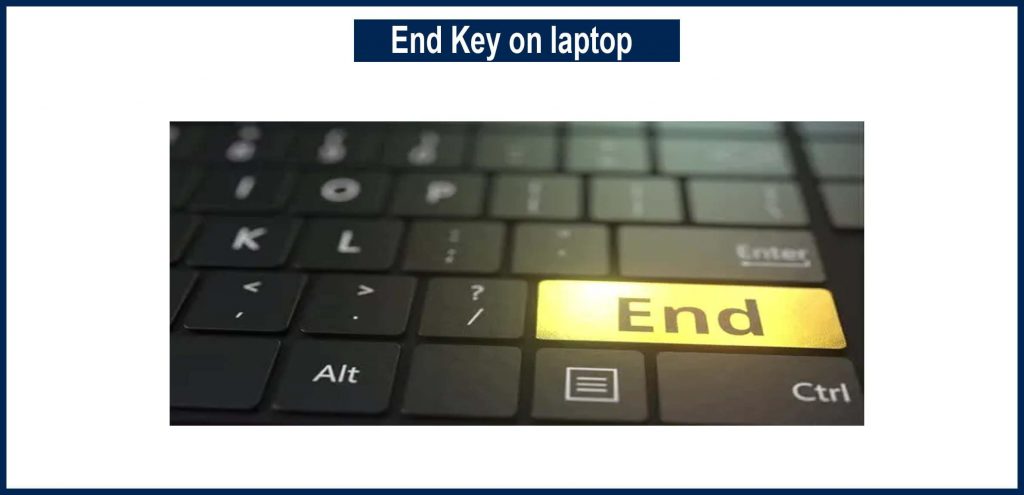
What Is The End Key On Keyboard Of The Laptop? Its Common Uses In 2023
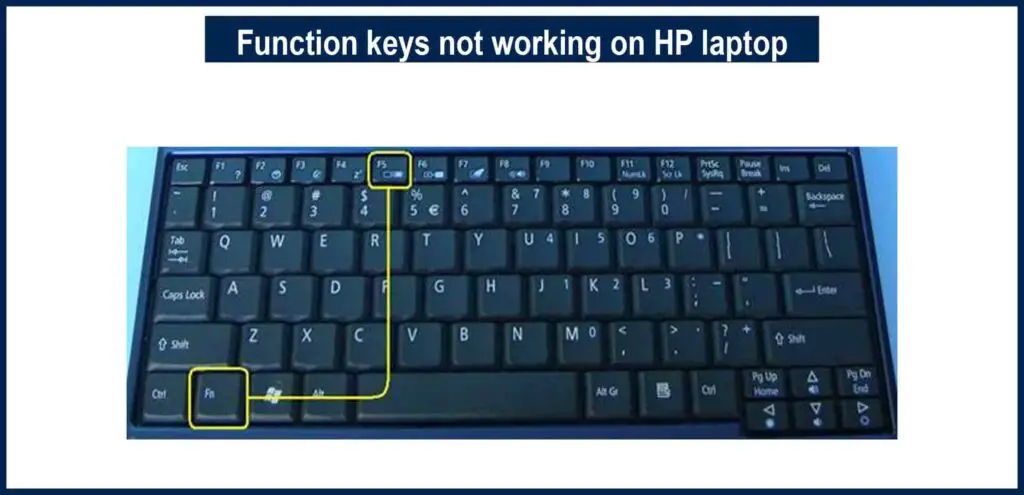
Function Keys Not Working On HP laptop – Full Guide In 2023
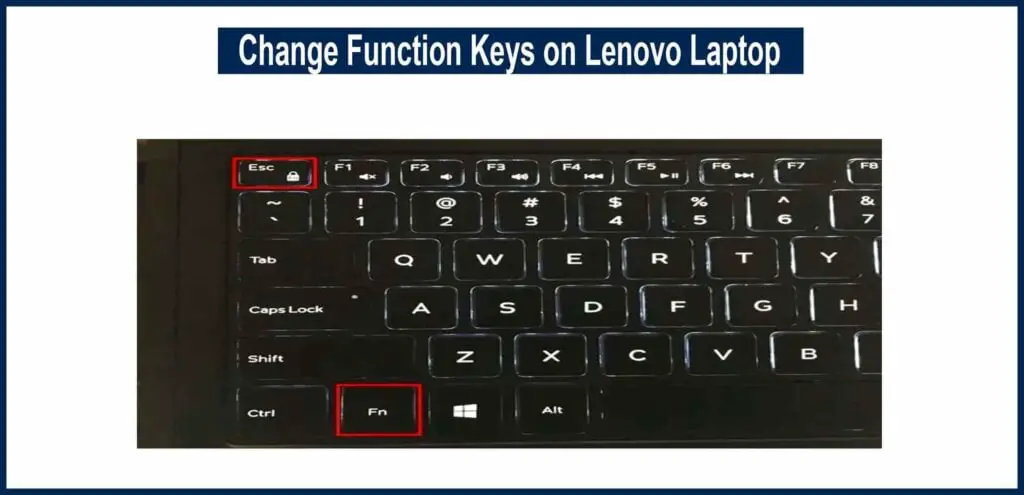
How to Change Function Keys on my Lenovo Laptop? Guide 2023
How To Use insert key on Laptop without Numpad:
So if you’re also using 15 inches or smaller laptop. Then you’d also lack the Num Pad.
So, the shortcut to use the insert key on your HP laptop without a num pad is Fn + E.
So hopefully your question about where is the insert key on HP laptop keyboard, has now been answered.
how to turn off insert key on hp EliteBook laptop or Other HP Laptops?
Well, this is a bit tricky guide. We can do it with the help of Registry Editor. I think it’s better to check the full separate article and step-by-step guide, instead of explaining it here lightly.
Other Laptop Keyboard Related Guides:
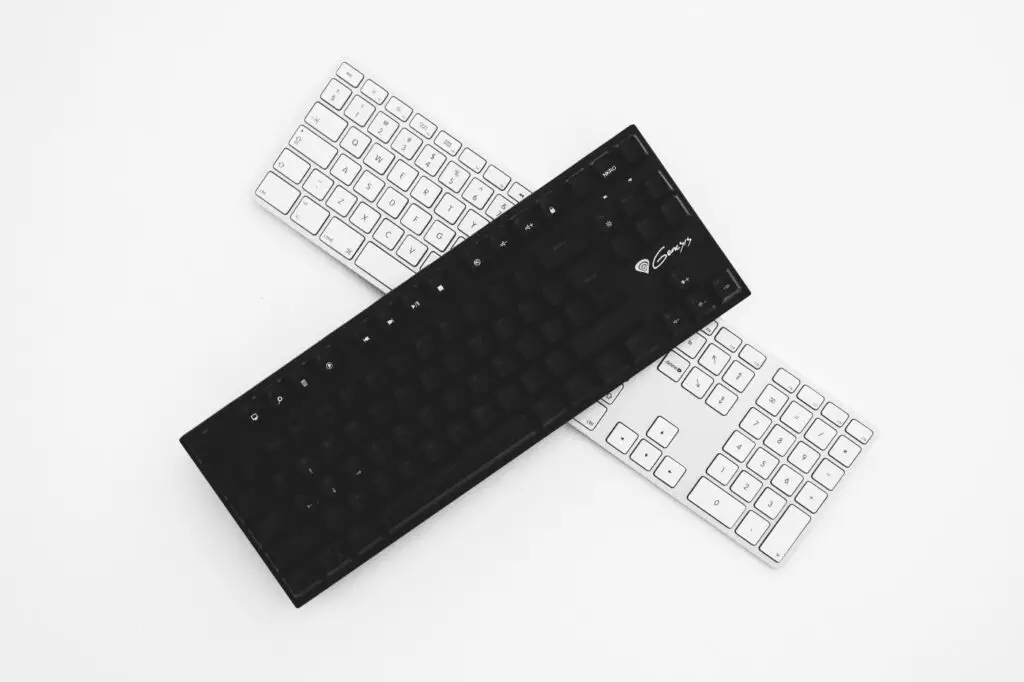
How To Use Two Keyboards On One Computer? Full Guide In 2023
How To Turn On Backlit Keyboard Lenovo – 2 Best Methods In 2023
Asus Laptop Keyboard Light Not Working – How To Fix In 2023?
Conclusion
Individual keyboards and their setup will ideally determine what to do or how to achieve the insert key functioning on a keyboard. The information on how to get an insert key on a keyboard that doesn’t have one may be found in the instruction manual that came with it.
FAQs
How to Use Insert Key on Hp Laptop?
Ans: To use these keys, hit Fn and the key with the blue text you want to use. If you needed insert functionality in our case, you’d push the Insert button by itself.
What are the insert key shortcuts?
Ans: On some models of the HP laptop, there is no Insert key. However, HP has supplied a few keyboard shortcuts for keyboard parts that are not displayed on the keyboard. You can use the Insert function on the HP Elite Book laptop by using a few keyboard shortcuts.
The keyboard shortcut for the Insert key on the HP Elite Book laptop is excellent for using the keyboard shortcut FN+E.
What exactly is the purpose of the Insert key?
Ans: The Insert key is most commonly utilized as a shortcut key. Another technique to paste text on a computer is to press Shift+Insert on the keyboard. The Insert key can also be used to make changes to existing text. Instead of dragging the cursor to the error, pressing Backspace, and then typing the correction, move the cursor in front of the error, press Insert, and then overwrite the error.
Top Laptop Listings For Best Keyboards:
If you’re searching for keyboard-related guides, it means that you’re using your laptop for office work or general writing tasks. Then there are some best laptops for you that are specifically listed because of their best keyboards: